


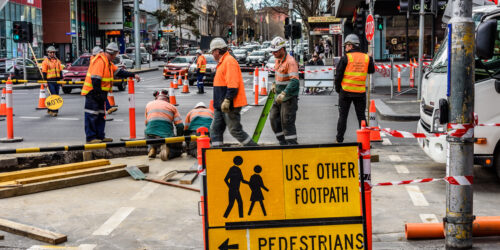
Maintenance work happens in the field on the ramp, across campuses, along roadways, and inside facilities. When updates are delayed or captured after the fact, organizations lose visibility, accuracy, and control.
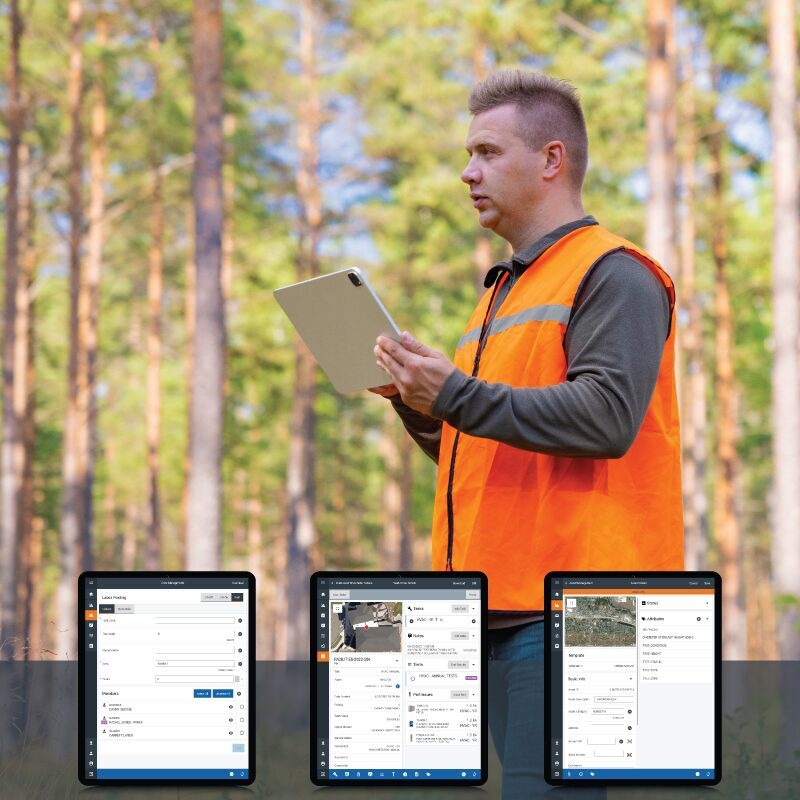
AssetWorks Connect is the mobile application for AssetWorks software, designed to keep technicians, inspectors, and crews connected to maintenance work in real time. It ensures service requests, work orders, and asset updates are captured accurately right where the work happens.
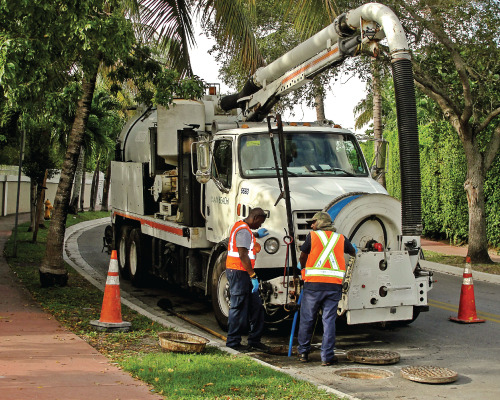
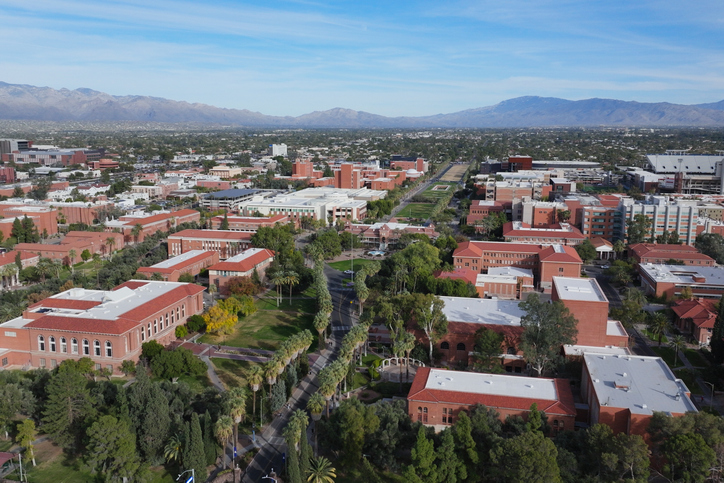
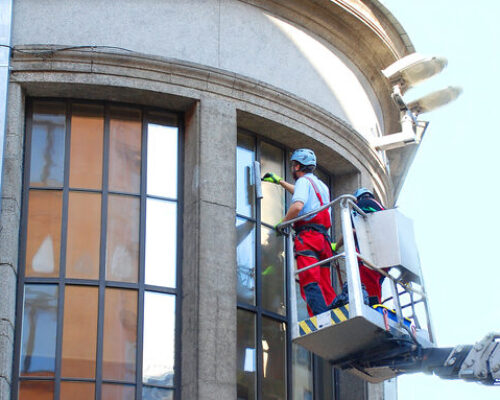
Many organizations still rely on paper notes, spreadsheets, or delayed desktop entry to capture field activity. AssetWorks Connect extends AssetWorks software directly to mobile devices, giving field teams and supervisors real-time visibility into maintenance work across facilities and campuses, aviation and GSE operations, public works and infrastructure, utilities and field services, and fleet and equipment maintenance.
AssetWorks Connect helps teams manage maintenance work without returning to a workstation, enabling field users to view and update assigned work orders and tasks, complete preventive maintenance and inspections, capture defects, notes, and photos in real time, record test results, usage, and condition data, and maintain a complete audit trail of all work performed.
Accurate maintenance starts with understanding the asset, and AssetWorks Connect allows field teams to search and view asset details and history, create work orders or service requests directly from assets, update meter readings and usage data, and attach files and images to asset records—improving diagnostic accuracy and supporting long-term asset reliability.
AssetWorks Connect provides map-based visibility into assets, work orders, and service requests, allowing teams to view work and assets by location, filter by work type or asset class, create single or multi-asset work orders directly from the map, and submit service requests based on location—making it ideal for geographically distributed and infrastructure-heavy operations.
Field work doesn’t always have reliable connectivity, and AssetWorks Connect is designed to handle real-world conditions by providing connected-first access to real-time data, store-and-forward offline capability, automatic synchronization when connectivity returns with no user interaction required, and built-in barcode and QR code scanning—ensuring data accuracy without slowing down crews.
Schedule a demo to learn how AssetWorks Connect can simplify and improve operations.
No matter the job, AssetWorks EAM manages it from start to finish. EAM support the planning, tracking, and completion of all work, both scheduled and unscheduled.
You need to understand where every budget dollar goes, now and well into the future. With EAM’s Capital Planning functionality, you can track major goals and objectives, streamline project approvals, and see real-time spend VS budget and funding sources.
In this case study, learn how St. Charles Parish, LA streamlined maintenance schedules with AssetWorks EAM.
Each asset in your community needs to be effectively managed and maintained. Luckily, the EAM Connect mobile app streamlines even the most complex asset management tasks so your crews can focus on their job, not paperwork.